
Why AI-Generated Code Often Breaks in Production
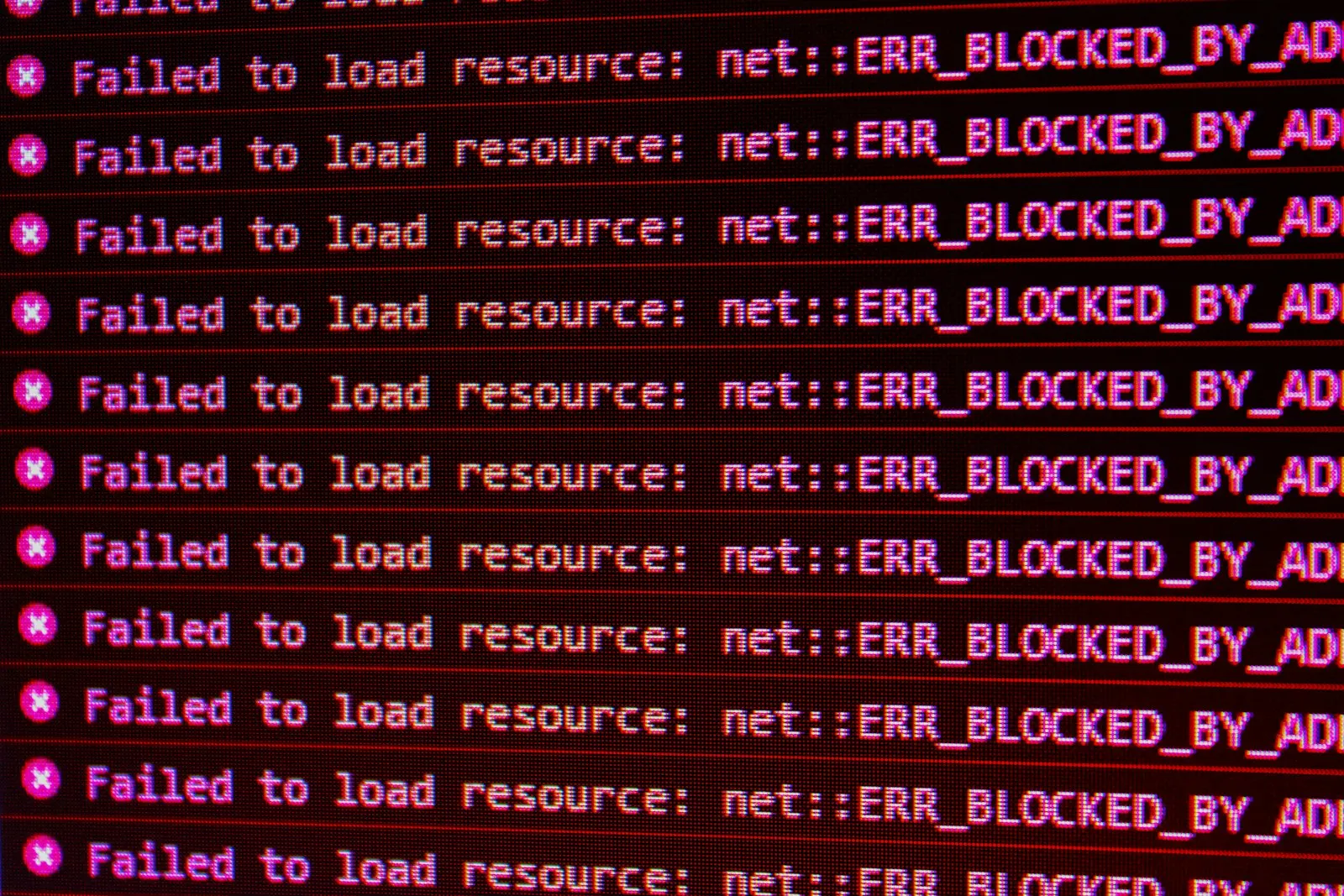
“It worked when I tested it” and “it broke the moment real users touched it” is one of the most common experiences founders report after building with AI coding tools — and it’s not because the AI is unreliable in some vague, general sense. There are specific, learnable reasons why this gap happens, and knowing them changes how you test before launch.
The Demo-vs-Production Gap, Explained
A demo is you, clicking through your own product, on your own data, usually taking the path you expect to take. Production is strangers, entering data you didn’t anticipate, at times and in combinations you didn’t test, sometimes deliberately trying to break things. AI-generated code — like any code — is only as good as the scenarios it was built and checked against, and a demo naturally covers a narrower set of scenarios than real usage does.
The Specific Failure Patterns
Unhandled Edge Cases
AI tools tend to implement the “happy path” — the case you described — reliably, and handle unstated edge cases inconsistently: what happens with an empty input, a duplicate submission, a very long string, or two actions happening at the same time. These gaps rarely show up in a quick demo click-through and reliably show up once enough real users interact with the feature.
Security Gaps From Unstated Assumptions
If a prompt doesn’t explicitly ask for input validation, authentication checks on a specific action, or safe handling of user-supplied data, the AI may generate code that works correctly for well-behaved input and handles malicious or malformed input poorly. This isn’t the AI being careless — it’s responding to what was asked, and security requirements are often assumed rather than stated.
Inconsistent Patterns Across a Growing Codebase
As a codebase grows through many separate AI-assisted prompts, each response is generated somewhat independently. Without explicit instruction to match existing patterns, you can end up with the same kind of data handled two different ways in two different features — a subtle inconsistency that can produce bugs exactly where two inconsistent parts of the system interact.
Scaling Assumptions That Don’t Hold
Code that works fine with ten test records can behave very differently with ten thousand real ones — a query that’s fast on a small dataset but slow at scale, or logic that assumes a list will always be short. These issues are specifically hard to catch in early testing because the conditions that trigger them don’t exist yet.
Silent Failures Instead of Clear Errors
Some AI-generated error handling swallows a problem instead of surfacing it clearly — a failed operation that doesn’t show an error message, just silently doesn’t complete. This is worse than an obvious crash, because it can persist undetected for a while, quietly frustrating users or corrupting data before anyone notices.
A Pre-Launch Checklist That Actually Catches These
| Risk area | What to specifically check |
|---|---|
| Edge cases | Empty inputs, duplicate actions, very large or unusual values |
| Security | Authentication on every sensitive action, input validation, safe data handling |
| Consistency | Similar features handling similar data the same way |
| Scale | Behavior with realistic data volumes, not just a handful of test records |
| Error handling | Failures surface clearly instead of failing silently |
Running through this list specifically — rather than a general “click around and see if it feels okay” pass — catches a meaningfully higher share of the issues that would otherwise only surface once real users are already depending on the product.
A Concrete Illustration
Imagine a simple signup form built entirely from a prompt that just said “add a signup form with email and password.” The AI produces a form that works cleanly when you enter a valid email and a reasonable password. What it may not handle without being asked: someone submitting the form twice quickly (creating two accounts or a confusing error), an email already in use (does it say so clearly, or fail silently), or a password of a single character (does it get rejected, or accepted and stored insecurely). None of these are exotic scenarios — they’re the first things a real batch of users will collectively trigger within days of launch, and none of them were wrong to leave out of the original prompt, because the prompt simply didn’t ask about them.
Why This Pattern Repeats Across Tools
This isn’t specific to any one AI coding tool — the same pattern shows up whether the code came from a chat-based builder, an editor-integrated assistant, or a terminal-based coding agent, because the root cause is the same across all of them: these tools respond to what’s specified, and unhappy paths are the details most naturally left unspecified in a first-pass description. Knowing this in advance changes how you should read your own generated code — not with suspicion of the tool, but with a specific eye for exactly this category of gap.
Why This Isn’t an Argument Against Using AI
None of this means AI-generated code should be avoided — it means it should be treated the same way any code from an unfamiliar source would be treated: reviewed and tested before it’s trusted with real users’ data and money. Knowing when your AI-generated app is actually ready for real customers walks through this readiness question directly, and combining AI speed with professional engineering review is the practical way most teams close this gap without giving up AI’s speed advantage.
The Takeaway
AI-generated code breaks in production for the same reasons any lightly-reviewed code does — unhandled edge cases, unstated security assumptions, and untested scale. The fix isn’t distrust of the tool; it’s treating “it works in my demo” and “it’s ready for real users” as two different, sequential milestones, not the same one.
Worried Your AI-Built MVP Has Hidden Gaps?
MVPHUB reviews AI-generated codebases for exactly these failure patterns before real users depend on them. Book a free consultation with MVPHUB to get a professional review of your build.
Book a free consultation with MVPHUBFrequently Asked Questions
Why does AI-generated code work in testing but fail with real users?
Because testing usually covers the paths you thought to try, while real users generate inputs, timing, and combinations you didn't anticipate. AI-generated code tends to handle the paths it was explicitly asked about well and handle unspecified edge cases inconsistently.
Is AI-generated code inherently less secure than human-written code?
Not inherently, but it's unverified by default in the same way any code is unverified until reviewed. The risk is that AI's confident, complete-looking output can make people skip the review step they'd normally apply to unfamiliar code.
Can I ask the AI itself to check its code for these issues?
It helps somewhat, and is worth doing, but an AI checking its own output has the same blind spots that produced the issue in the first place. An independent review — human or a different tool — catches more than asking the same tool to grade itself.
Does this mean AI-generated code is never production-ready?
No. With proper review, testing, and hardening, AI-generated code can absolutely be production-ready — plenty of production systems already include AI-assisted code today. The issue is treating a working demo as equivalent to a reviewed, tested, production-ready feature without that step in between.
What's the single highest-value thing to check before launch?
Anything that handles user input, authentication, or payment data — these are the areas where an overlooked edge case has the most severe consequences, and where a focused review pass delivers the most risk reduction per hour spent.
