
Web App vs Mobile App: Which Should Your MVP Be?
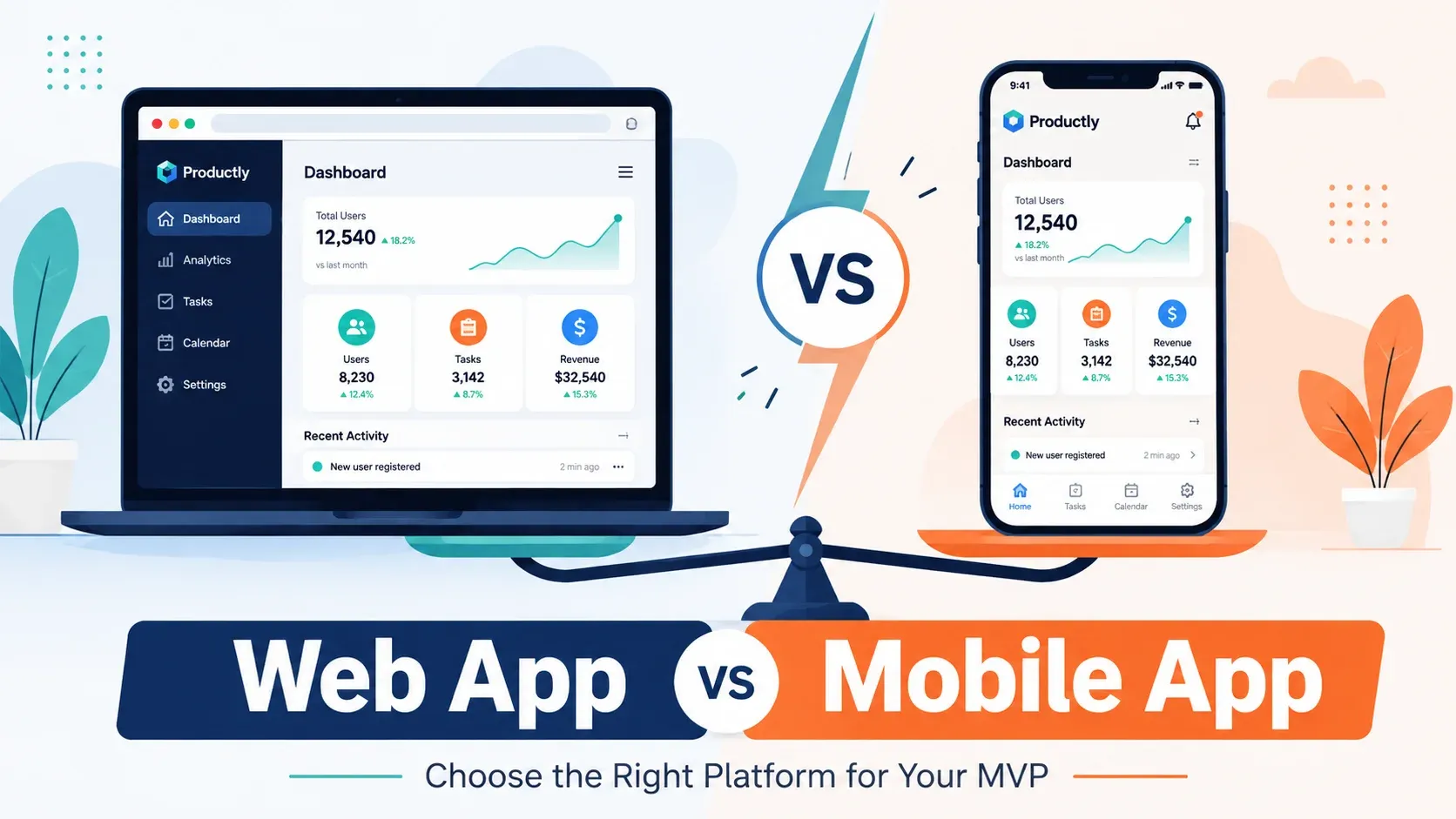
Somewhere between validating your idea and writing the first line of code, a decision gets made — often by default rather than by design — about whether the MVP will be a web app, a mobile app, or both. That default choice can quietly shape your cost, your timeline, and how many real users actually try the product.
This isn’t a technology preference. It’s a decision that should follow from how and where your target customer actually works.
Start With the Customer’s Behaviour, Not the Trend
The most useful question isn’t “should we have an app?” — it’s “where is our customer when they need this product?”
- A small business owner managing bookings probably sits at a desk or laptop during work hours — a web app fits naturally.
- A field service technician logging jobs on-site needs something in their pocket, possibly offline — mobile is likely necessary.
- A consumer product used in short, frequent bursts throughout the day — checking a balance, logging a habit — tends to fit mobile behaviour better than a desktop tab people forget to open.
If you can’t answer this clearly yet, that’s a sign the platform decision needs more discovery, not more debate about frameworks — worth resolving as part of The MVP Development Process’s scoping stage, before design starts.
Comparing Web and Mobile for an MVP
| Factor | Web App | Native Mobile App |
|---|---|---|
| Time to launch | Faster — no app store review | Slower — review and approval add time |
| Update speed | Instant for all users | Requires app store updates |
| Distribution | Shareable via link, no install friction | Requires download and install |
| Device capabilities | Limited (camera, GPS possible via browser) | Full access (push, offline, background tasks) |
| Discoverability | Search engines, direct links | App store search, but higher competition |
| Development cost for MVP | Generally lower | Generally higher, especially for two platforms |
The Case for Starting With a Web App
For most early-stage MVPs, a web app is the lower-risk starting point. It removes app store review from the critical path, meaning changes based on user feedback ship immediately instead of waiting days for approval. It works across devices without separate iOS and Android builds, and it removes the install friction that keeps curious users from ever opening a native app in the first place.
This matters more than it sounds. An MVP’s whole purpose is generating real usage evidence quickly. A web app that a prospective user can try from a shared link, with zero install step, tends to gather that evidence faster than a mobile app sitting in an app store waiting for downloads — see What Features Should Be Included in Your First MVP? for how this same speed-to-evidence logic applies to feature scope too.
When Mobile Is the Right Starting Point
Some products genuinely depend on mobile-native capabilities from day one — push notifications that drive core engagement, camera-based input, offline functionality, background location tracking, or deep integration with device sensors. If the core user journey can’t function without these, building a web version first tests the wrong thing: it validates a workaround, not the actual product.
In these cases, it’s worth accepting the longer build and review timeline, because a web substitute wouldn’t produce a meaningful test of the real assumption.
The Middle Ground: Progressive Web Apps
A Progressive Web App (PWA) can offer a practical middle ground — installable on a device, capable of offline access and notifications, while remaining a single codebase built with web technologies. It won’t match every native capability, but for many MVPs it closes enough of the gap to avoid committing to full native development before the core assumption is validated.
What About Building Both?
It’s tempting to hedge by building for web and mobile simultaneously, but for most MVPs this works against the goal. Splitting a limited budget and timeline across two platforms usually means a slower, thinner version of each, rather than one platform done well enough to generate a clear read on your core assumption.
The stronger approach is almost always sequential: validate on the platform that best matches your target customer’s actual behaviour, then expand once you have real evidence the assumption holds. A cross-platform framework can make that expansion faster later, but it’s rarely worth the added complexity before you know the product is worth expanding at all.
Don’t Let the Tech Stack Drive the Decision
It’s easy to let this choice get made by whichever framework a developer already knows, or by what’s trending in startup conversation. Neither is a substitute for the actual question: where does your specific customer need this product, and what does the core journey require to work properly? A technically impressive mobile app that your customer never opens because it required a download they weren’t willing to make hasn’t validated anything — it’s just proven that friction reduces usage, which was never in question.
Making the Decision
Ask these questions before defaulting to either platform:
- Where and when does the target customer need this product?
- Does the core journey depend on a device capability only native apps reliably provide?
- How important is it to update the product quickly based on early feedback?
- What’s the realistic budget and timeline for the platform you’re leaning toward?
Most MVPs don’t need to be everywhere at once. Picking the platform that matches actual customer behaviour — and being willing to expand later once the core assumption is validated — is usually the faster, cheaper path to real evidence. Once the platform is settled, How to Build an MVP: 7 Steps picks up from here.
Not Sure Which Platform Fits Your MVP?
MVPHUB helps founders validate the right platform for their MVP — web, mobile, or both — before committing to a build. Book a free consultation to talk through the right approach for your product.
Book a free consultation with MVPHUBFrequently Asked Questions
Is it cheaper to build an MVP as a web app or a mobile app?
A web app is generally faster and cheaper to build and update for an MVP, since there's no app store review process and one codebase can serve all users immediately. Native mobile apps typically add development and approval time.
Can I start with a web app and add mobile later?
Yes, and it's a common path. Many startups validate the core assumption with a web app first, then invest in a native mobile experience once demand and usage patterns are confirmed.
When does an MVP need to be a mobile app from day one?
When the core value depends on mobile-specific capabilities — push notifications, camera access, offline use, location tracking, or background processes — a mobile app is often necessary from the start rather than an added convenience.
What is a Progressive Web App and does it solve this decision?
A Progressive Web App (PWA) is a web app that can be installed on a device and offers some mobile-like features, such as offline access and notifications. It's a useful middle ground for MVPs that want mobile presence without full native development, though it doesn't match every native capability.
Does the target customer affect the web vs mobile decision?
Yes, significantly. If your target customer primarily works at a desk — managing a business dashboard, for example — a web app usually fits their behaviour better. If they need the product on the go, mobile becomes more important.
